One program, one database: how MedBrains is built to run on a modest server
Why MedBrains runs as one compiled program on PostgreSQL, what that means for your server bill and IT team, and the numbers we measured to back it up.
On this page
In short: MedBrains is one compiled program on one PostgreSQL database. In our tests it used about 133 MB of memory at rest and 201 MB under load, and a single-hospital cloud server costs roughly ₹1,550 a month before storage and backups.
When a hospital buys a management system, the licence is the visible cost. The running cost arrives later: the server bill every month, the person who keeps the system alive, and the hours lost when it stops. Those are decided long before installation day, by how the software itself was built.
This post explains how MedBrains is built and why we made those choices. It is written for owners, administrators and IT heads, not programmers. Where we give a number, we measured it ourselves on 23 October 2026 or we cite where it came from. There is a short technical box near the end for your IT team.
Fewer moving parts, fewer things to fail
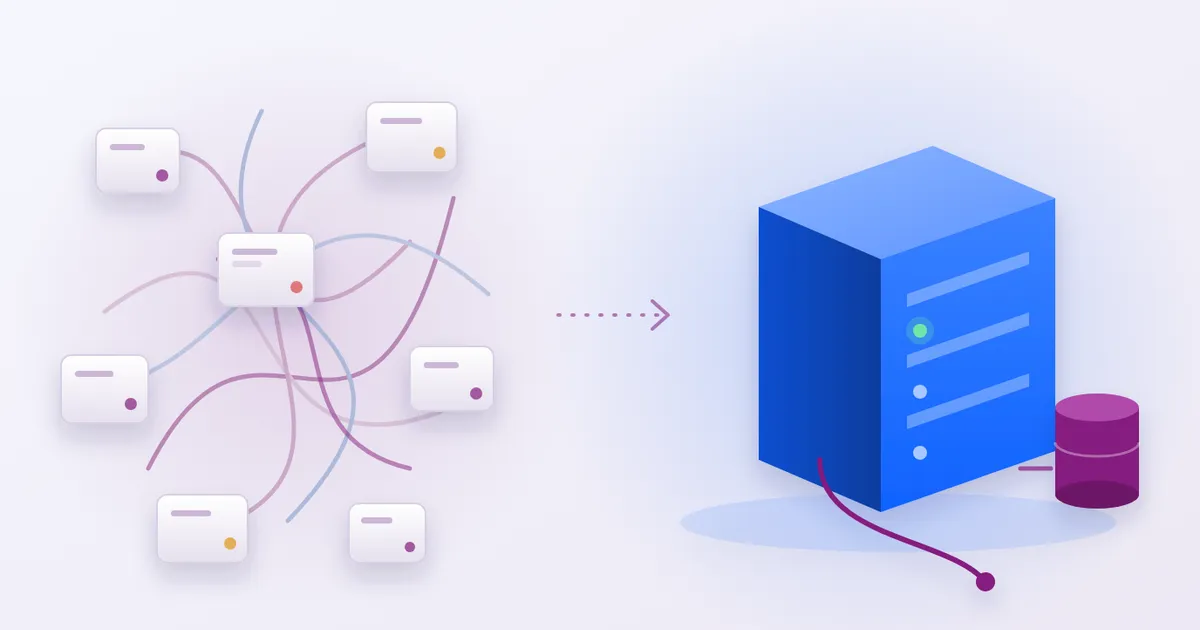
A hospital system has to do many jobs: registration, queues, orders, results, billing, pharmacy, printing. A common way to build it is as a set of separate services that talk to each other: an application server, plus a separate cache to make it fast, a separate search engine, a separate message queue for background work, and sometimes more than one database. Each of those is a program somebody has to install, patch, size, monitor and restart at 2 a.m.
MedBrains takes the other road. On a single server, a working install is:
- The MedBrains server, one compiled program that serves every module.
- PostgreSQL, the one database that holds everything.
- A front door (our own web proxy) that handles the secure connection.
- A small nightly helper that moves old files to cheaper storage.
- A PDF service that turns bills, labels and discharge summaries into printable documents, capped at 600 MB of memory.
We checked the code and the installer: there is no separate cache, search engine or message queue to run. Optional pieces, such as the WHO’s ICD-11 coding service or the offline edge service described below, are switched on only when a hospital wants them.
Fewer parts means fewer upgrades to coordinate, fewer passwords to keep, and fewer places for a fault to hide.
One compiled program
MedBrains is written in Rust, a programming language that turns the source code into a single ready-to-run program, rather than needing a separate runtime installed on the server first. The release build of the MedBrains server, the one we deploy, is a single file of about 162 MB; compressed for transfer it is about 68 MB. The front-door proxy is about 9 MB and the nightly helper about 4.5 MB.
That is not tiny, and we will not pretend it is: one program carries every module, from OPD to blood bank. What matters for running costs is what it does not need around it. Installing it means copying a file and starting it. Upgrading means replacing that file and restarting. Rolling back means putting the previous file back.
Rust also refuses to compile whole classes of mistakes, such as reading memory that has already been freed, which in other languages surface as crashes in production. Our build rules go further and reject code that could stop the server with an unhandled error. None of this makes software bug-free, but it moves a share of failures from the ward to the developer’s desk.
How much memory it actually uses
We started the same release build used for installs, on a fresh empty database, inside a Linux container on a development machine, and read the memory figure the operating system reports for the process.
- At rest, after start-up: about 133 MB.
- Under load, while answering 10,000 signed-in requests for the patient list, 50 at a time: a peak of about 201 MB, with no failed requests.
Two honest caveats. First, this was an empty database; a hospital with years of records will use more, mostly inside PostgreSQL rather than in the application. Second, the load generator ran on the same laptop as the server, so we are not quoting speed figures from this test, only memory and errors.
How fast it starts
Restart speed matters more than people think. It decides how long a planned upgrade takes and how quickly the system is back after a power cut.
Timing from the moment we started the container to the first healthy reply:
- Restarting an installed system: 1.2 seconds in two of three runs and 5.4 seconds in the third.
- First ever start on an empty database, which creates all 932 tables and the default roles: 8.0 seconds.
A power-cut recovery is therefore usually limited by how fast the machine and the database boot, not by MedBrains.
One database, with privacy built into it
Everything lives in PostgreSQL, a widely used open-source database that your IT team can hire for, back up with standard tools and inspect directly. Patient numbers, bed status, configuration and audit history are all ordinary database tables, not a second store with its own rules.
PostgreSQL’s row-level security lets the database itself refuse to show one hospital’s rows to another, even if a mistake slips into the application. In a fresh install, 881 of the 932 tables have row-level security switched on, and we checked that every table holding a hospital identifier is among them. The remaining 51 hold shared reference data with no hospital-specific column.
One database also means one backup. The installer sets up a nightly backup of the whole database using PostgreSQL’s own tool. Keep in mind that a backup on the same machine protects you from a mistake, not from losing the machine: your team or ours should copy it off the server every day.
What a server costs: an estimate
Our standard template for a single hospital of up to about 100 beds is one AWS machine of type t4g.medium in the Mumbai region: 2 virtual processors and 4 GiB of memory, running MedBrains, PostgreSQL and the PDF service together. The 100-bed figure is the size our templates are written for, not a load test.
Estimate, using public on-demand prices published on 22 October 2026:
| Item | Figure |
|---|---|
| t4g.medium, Linux, Mumbai, on-demand | USD 0.0224 per hour |
| Running all month (730 hours) | about USD 16.35 |
| At USD 1 = ₹94.82 (22 October 2026) | about ₹1,550 a month |
This covers the machine only. Disk, off-site backup storage, data transfer and taxes are extra, and prices change; check the AWS page before you budget. Reserved or savings-plan pricing would be lower.
If the hospital already owns a suitable Linux server, MedBrains can be installed on it and there is no cloud machine to pay for. A separate kit runs everything on a single box on the hospital network, including on Windows Server.
When the internet goes down
Indian hospitals cannot assume the link to the cloud stays up all day.
- On-premises installs keep working over the hospital network regardless of the internet.
- Cloud installs can add the optional MedBrains edge service, an 18 MB program on a box inside the hospital. Devices keep recording against it during an outage, and changes merge automatically when the link returns, without one device’s entry silently overwriting another’s.
- Money is treated differently. Bills, orders and pharmacy dispensing are queued and confirmed by a person on reconnect, never settled by whichever copy wrote last.
Light screens and native apps
The web application is split so that a screen loads only the code it needs. In October we cut the first file a browser downloads from 1,809 KB to 1,047 KB by moving the AI assistant out of it until someone opens it. That helps on slow hospital Wi-Fi and older desktops.
Our mobile apps are built natively: SwiftUI on iPhone and Jetpack Compose on Android, rather than a website wrapped inside an app. Native apps use the phone’s own controls and accessibility features, and keep their keys in the platform’s own secure store.
What this means for your IT team
Put together, a single-server MedBrains install is a handful of things to look after: one program to update, one database to back up, one front door to renew a certificate on. The logs from every part go to the server’s standard log, and a health check address tells monitoring tools whether the system is up.
That does not remove the need for IT staff. Someone still has to own backups, security patches for the operating system, and the hospital network. It does mean that the system itself is a smaller part of their day.
For IT teams: the technical summary
- Server: Rust (2024 edition), Axum 0.8 on Tokio, a Cargo workspace of 146 members (144 library crates) compiled into one binary,
medbrains-server. Release profile: thin LTO, one codegen unit, stripped.- Measured binaries (aarch64 Linux release, built 23 October 2026): server 162,293,976 bytes (67,840,848 bytes gzipped); proxy 8.6 MB; archive helper 4.5 MB; edge 18.1 MB.
- Measured memory: VmRSS 135,920 KiB at rest; VmHWM 205,748 KiB after 10,000 authenticated
GET /api/patientsrequests at concurrency 50 (ApacheBench), 0 failures. Empty database; load generator on the same host.- Measured start-up:
docker startto first200on/api/health: 1.2 s, 5.4 s and 1.2 s warm; 8.0 s cold, including all migrations and seed.- Database: PostgreSQL 17, transaction-scoped row-level security (881 of 932 tables). No Redis, search engine or broker at runtime.
- Front door: a Pingora-based proxy with per-route body limits, CSP and idempotency keys on sync routes; Caddy where Pingora cannot run (Windows, isolated LANs).
- Install: an idempotent
install.sh(Ubuntu 22.04/24.04, Debian 12) with systemd units, Certbot TLS, a nightlypg_dumptimer and an hourly host check; Terraform tiers for a new host or an existing one.- Offline: Loro CRDT sync over WebSockets on a LAN edge node, with an outbox for server-authoritative writes.
The short version
MedBrains is one compiled program on one database, with a few small helpers around it. In our tests it used about 133 MB of memory at rest, about 201 MB under load, and restarted in about a second. Its standard single-hospital server costs roughly ₹1,550 a month on public cloud prices before storage and backups, or nothing extra on a server the hospital already owns.
If you would like your IT team to see it running on hardware like yours, book a demonstration and we will walk them through an install.
Frequently asked questions
What size of server does MedBrains need?
Our standard single-hospital template uses one cloud machine with 2 virtual processors and 4 GiB of memory (AWS t4g.medium). In our own test the MedBrains application used about 133 MB of memory at rest and peaked at about 201 MB while answering 10,000 signed-in requests, 50 at a time. The database and the PDF service need memory of their own, so the whole machine is what matters, not the application alone.
Can MedBrains run on a server inside the hospital instead of the cloud?
Yes. The same program installs on a Linux server the hospital already owns, and there is a separate kit for a box on the hospital network, including Windows Server through Docker. You then pay for no cloud machine, but your team owns the hardware, power and an off-site copy of the backups.
What happens if the internet goes down?
If the server is inside the hospital, the screens keep working over the hospital network. For cloud installs, an optional edge service on the hospital network lets devices keep recording and merges the changes when the link returns. Money-related steps such as bills, orders and dispensing are held for confirmation rather than applied silently, because a price must never be decided by whichever copy wrote last.
Sources
- Amazon Web Services. Amazon EC2 On-Demand pricing aws.amazon.com
- Amazon Web Services. EC2 On-Demand Linux price data, Asia Pacific (Mumbai), published 22 October 2026 (t4g.medium: USD 0.0224 per hour) b0.p.awsstatic.com
- Amazon Web Services. Amazon EC2 T4g instances aws.amazon.com
- Frankfurter. USD to INR reference rate for 22 October 2026 (European Central Bank data) api.frankfurter.app
- PostgreSQL 17 documentation. Row Security Policies postgresql.org
- PostgreSQL 17 documentation. pg_dump postgresql.org
- The Rust Programming Language rust-lang.org
- Gotenberg. Document conversion API gotenberg.dev
- Loro. Conflict-free replicated data types loro.dev